The Microsoft 365 outage and the risk of an alert that depends on a single channel
What happened in the global Microsoft 365 outage of November 2026, how an email warning that never arrived ended with fifteen people treated at a hotel pool, and how to design alerts that do not depend on a single point.
By Javier Tenjo, Full stack developer
On this page
- What happened to Microsoft 365 in November 2026?
- What does a swimming pool have to do with Outlook?
- What is a single point of failure?
- Why is email a poor channel for a critical alarm?
- How do you design an alert that does not depend on a single point?
- What is the risk of half-done automation?
- Where do you start reviewing your own alerts?
- In short
A control system detects too much chlorine in a swimming pool. It does what it is supposed to do: it sends an alert. The alert goes out by email, the email depends on Microsoft 365, and Microsoft 365 has been down for almost a day. Nobody reads it. A while later, fifteen hotel guests have irritated airways and there are fire trucks and ambulances at the door.
That is what happened in mid-November 2026 at the Ling Bao hotel, part of the Phantasialand theme park in Brühl, Germany. The Microsoft outage did not cause the fault, but it silenced the only warning there was. That detail, more than the outage itself, is what is worth understanding if any important process in your company depends on a message getting through.
What happened to Microsoft 365 in November 2026?
The outage began on November 12, around 18:00 UTC, and lasted more than 48 hours. According to the timeline compiled on Wikipedia, it mainly hit Outlook, Exchange Online and Teams, also Copilot, and reached users in more than seventy countries. The Register reported that even the admin consoles, such as Intune, went down, leaving IT teams with fewer tools exactly when they needed them most.
The fallout went far beyond office email. In the UK, public hospitals canceled some operations and e-prescriptions ran into problems; in Brazil, the Federal Supreme Court suspended legal deadlines for two days; in Canada, a hospital network declared a code grey. In Colombia, the Superior Council of the Judiciary suspended court deadlines in every court in the country starting November 13, because hearings and filings depended on Outlook and Teams, and lifted the suspension on the 17th once Microsoft restored service.
Microsoft ruled out a cyberattack. It attributed the failure to a bug in its own network infrastructure that a later configuration change triggered, causing servers to become overwhelmed and stop responding. Service was gradually restored through November 14.
What does a swimming pool have to do with Outlook?
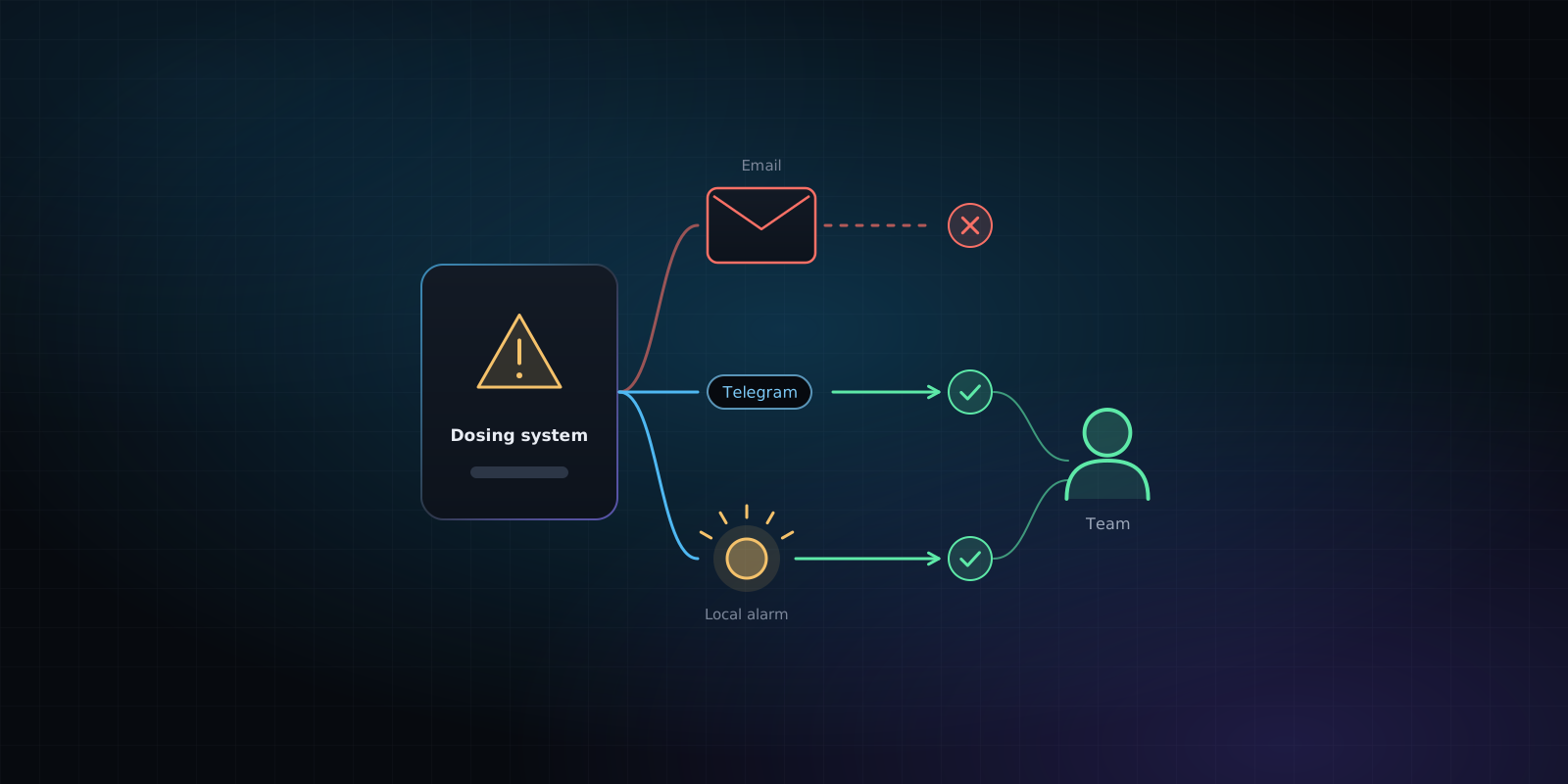
As German public broadcaster WDR reported, the hotel pool’s automatic dosing system failed and pumped too much chlorine into the water. The spa’s safety system detected the problem and sent the alarm by email. Because of the Microsoft outage, that email never arrived, and nobody found out in time.
Thirteen guests first complained of respiratory irritation, and the number later rose to fifteen. Four people were taken to the hospital and one stayed under observation with moderate injuries. Firefighters confirmed the dosing fault, the pool was closed, the water was replaced and it later reopened. The Register adds that the response involved about forty people for roughly two hours.
What stands out is where an expert interviewed by WDR, cybersecurity architect Stephan Skrobisch, places the responsibility: not on Microsoft, but on how the installation was set up. In his view, a second warning mechanism was missing, an audible signal for example, because a system meant to protect people cannot depend on an email inbox alone.
In the same report, the technical lead of another spa in the region explained how they handle it: they test the water three times a day, and if chlorine goes out of range, a red light comes on that everyone can see. It is not a sophisticated system. It is a system that does not depend on anyone else.
What is a single point of failure?
A single point of failure is any piece of a process that takes the whole process down with it when it fails. It does not have to be a server: it can be a vendor, a password only one person knows, an integration or, as here, the channel an alert travels through.
At the hotel, almost everything worked. The sensor measured, the system detected the abnormal reading and the alert was generated. A single link failed, delivery, and since there was no other path, the outcome was the same as if there had been no system at all.
One nuance makes it even more delicate: an alert that never arrives makes no noise. If email fails, nobody gets a message saying “email is failing.” Silence is read as everything being fine, which is exactly the opposite.
Why is email a poor channel for a critical alarm?
Email is great for things that are not urgent. For an alarm, it has several problems at once:
- It guarantees no timing. A message can take seconds or hours, and the protocol considers both acceptable.
- It competes with everything else. An alert in the inbox sits among newsletters, invoices and auto-replies. If a rule or a filter also moves it to another folder, it disappears.
- It asks for no acknowledgment. The sending system does not know whether anyone read it, so it cannot insist or notify someone else.
- It depends on third parties. Your email provider, the recipient’s, spam filters and the signal on the recipient’s phone. It only takes one of them to fail.
None of this makes email useless. It works very well as a record and as a secondary channel. The problem is when it is the only one.
How do you design an alert that does not depend on a single point?
The underlying idea is that every important alert should have at least two paths that do not share the same weak spot. In practice, it comes down to a few decisions:
Channels from different providers
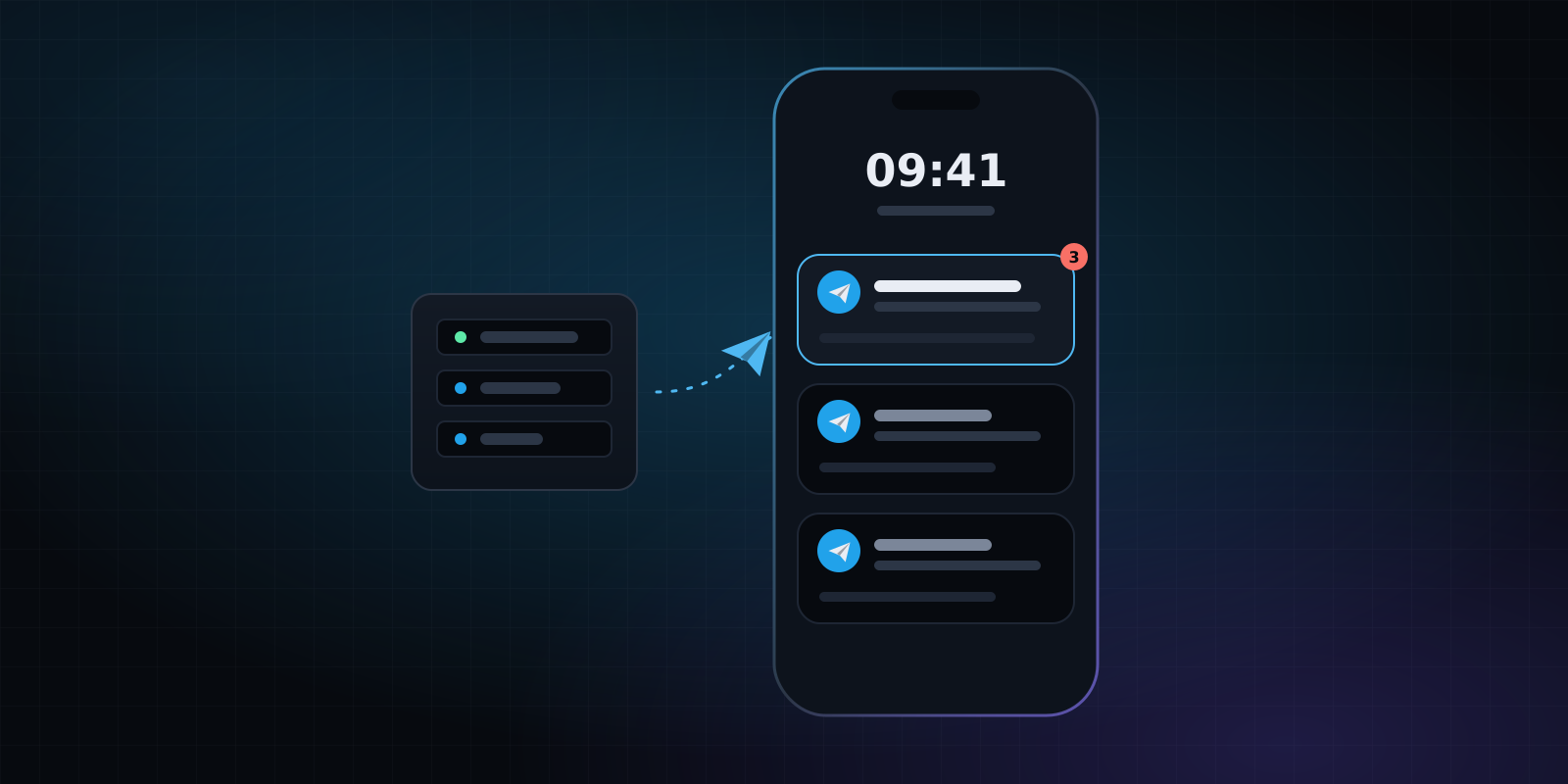
Email and Teams are two channels, but both are Microsoft: in November they went down together. Real redundancy combines channels that do not depend on the same provider, for example email plus a Telegram message, a text message or an automated call. For anything truly critical, also an on-site signal (a light, a siren, a panel) that works even without internet.
Acknowledgment and escalation
A good alerting system does not just send: it waits for someone to confirm they saw it. If nobody responds within five or ten minutes, it notifies the next person on the list, and then the next. That way an alert does not sit unread on the phone of someone who is on vacation or out of coverage.
Make silence an alarm too
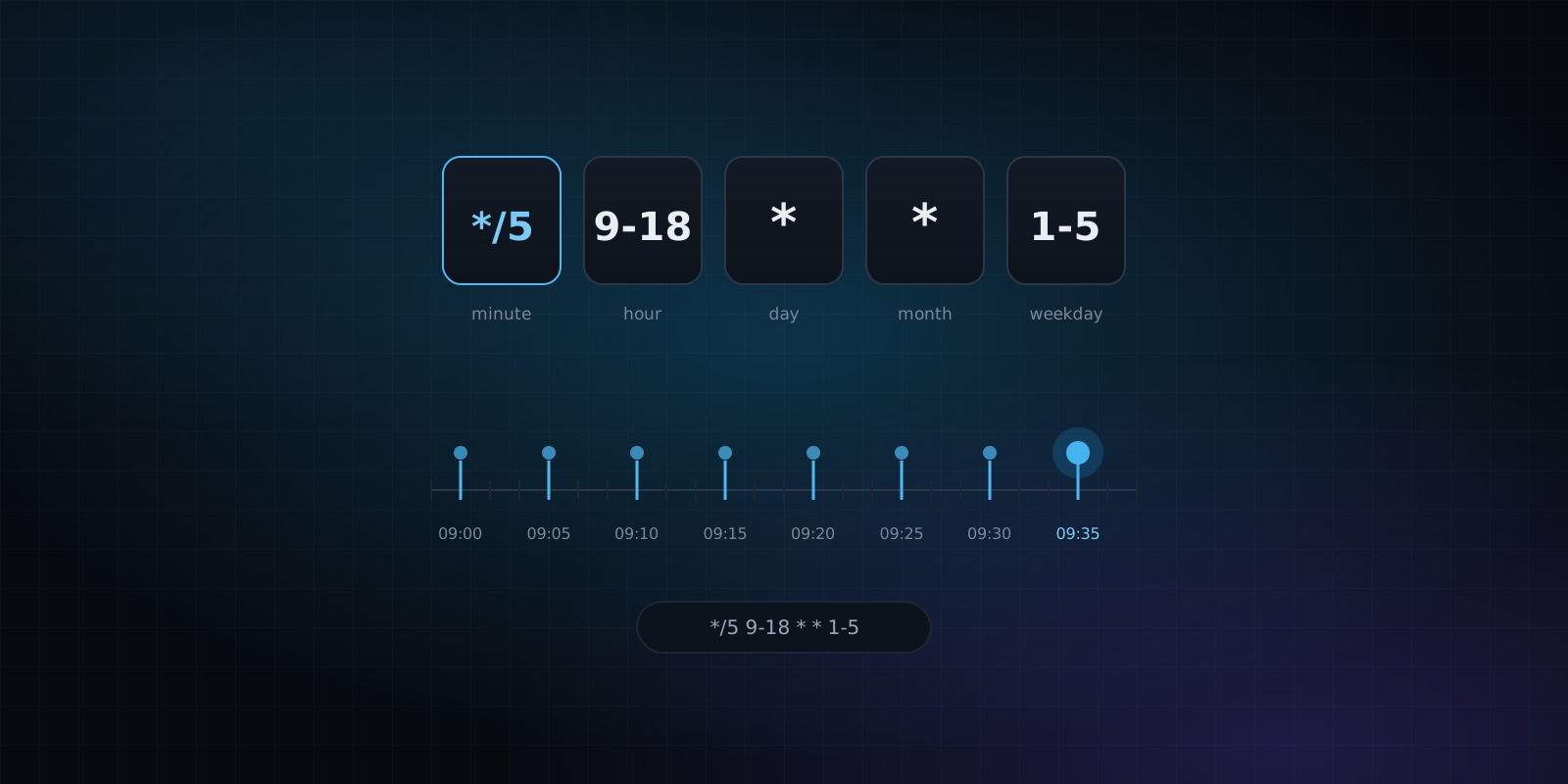
This is what practitioners call a heartbeat: the system sends an “I’m still alive” signal at regular intervals, and a separate, independent system raises the alarm if that signal stops arriving. It also catches what the hotel’s setup could not: that the alert channel itself has gone down.
A safe automatic action
When people are at risk, alerting is not enough. If a reading goes out of range, the system can take the safe action on its own (stop the dosing, close a valve, halt a process) and alert afterward. The person steps in to fix the problem, not to prevent the accident.
Checks that do not go away
Automation should not eliminate manual checks on what is critical. The neighboring spa’s three daily water tests are not glamorous, but they are a second layer that does not depend on any cloud.
Actually test it
An alerting plan that has never been tested is an assumption. It is worth simulating the loss of each channel from time to time (disconnect email, shut down the messaging server) and checking that the alert still arrives through the other path.
What is the risk of half-done automation?
Well-built automation removes work and reduces errors. Half-done automation does something more dangerous: it creates a sense of control that does not match reality. Once there is a system that “alerts if something happens,” people stop looking, and reasonably so. The problem shows up the day the system does not alert and nobody knows.
Assuming the cloud never fails does not help either. The large providers have very high availability, but not perfect, and their contract covers their service, not your process. If a two-day outage at your email provider blinds a safety process, that risk is yours, not theirs. So when automating, the useful question is not “does it work?” but “what happens when each of its pieces fails?”
Where do you start reviewing your own alerts?
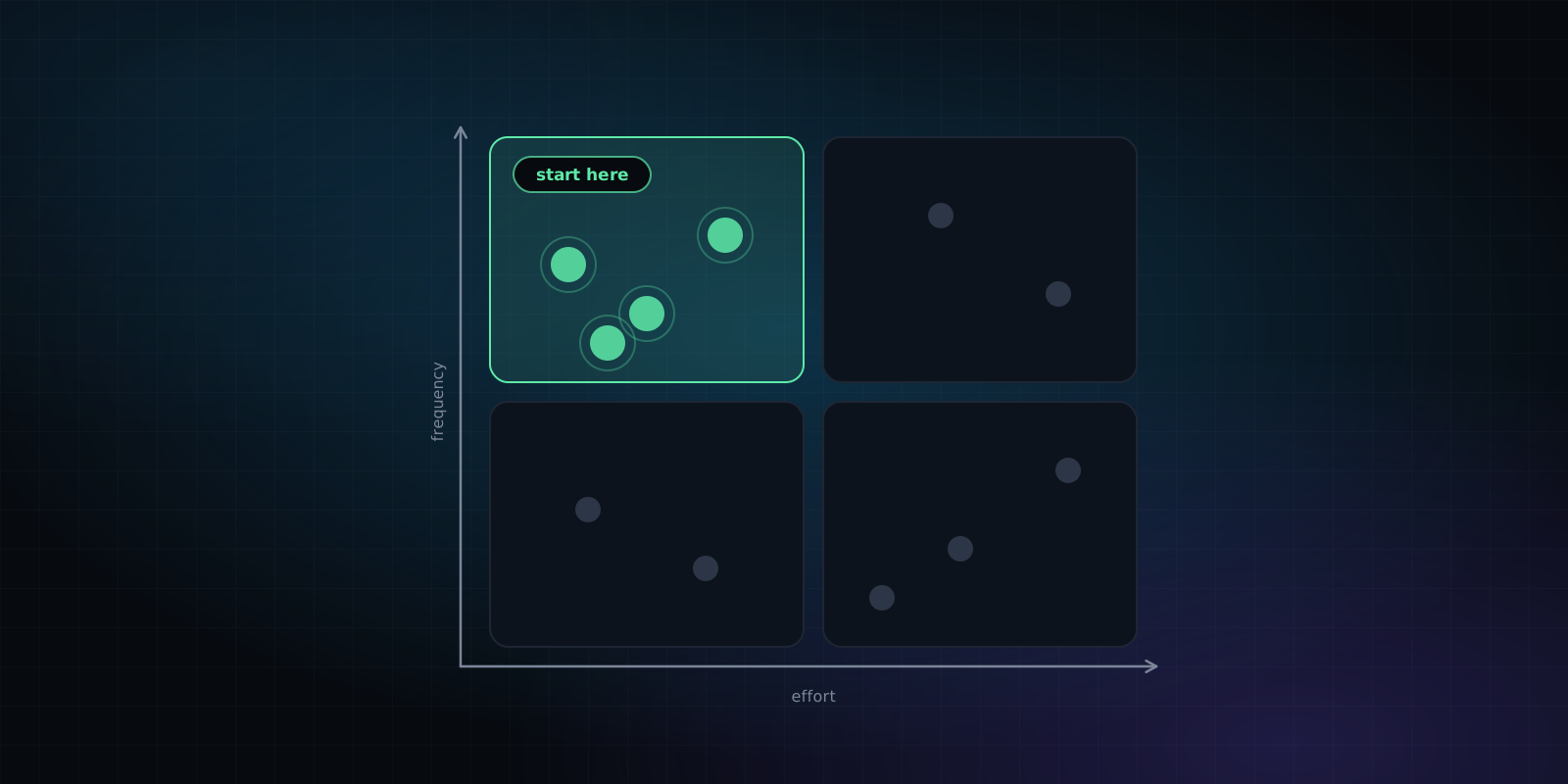
You do not need to redesign everything. Start by listing the alerts that really matter (people’s safety, payments, orders, website downtime, backups) and answer five questions for each one:
- Which channel does it go out on, and which provider does it depend on?
- Is there a second channel that does not depend on the same provider?
- Does someone have to confirm they received it? What happens if they do not?
- Would I find out if the alert stopped working?
- When did we last test it?
The answers usually make it clear where to begin, just as when deciding what to automate first: first whatever does the most damage if it fails, then the rest. It is the kind of work we do in process orchestration, where every flow is designed with a log of what happened and a plan for when something fails.
In short
The November 2026 Microsoft 365 outage was the provider’s problem. What happened at the hotel pool was, above all, a design problem: a critical alert with a single path. No provider will be available all the time, so the answer is not to pick the perfect provider but to make sure no important alert depends on just one. Two independent channels, acknowledgment, an alarm for silence and a safe automatic action cover most cases, and they cost far less than the day they are needed.